In the fast-paced world of software development, content creation, and data management, the ability to track changes across multiple versions of a file is not just a luxury—it is a necessity. Whether you are a programmer managing complex source code, a writer collaborating on documentation, or a system administrator auditing configuration files, the challenge of identifying discrepancies between two versions of a document can be overwhelming. Manual comparison is error-prone, tedious, and frankly, an inefficient use of your time.
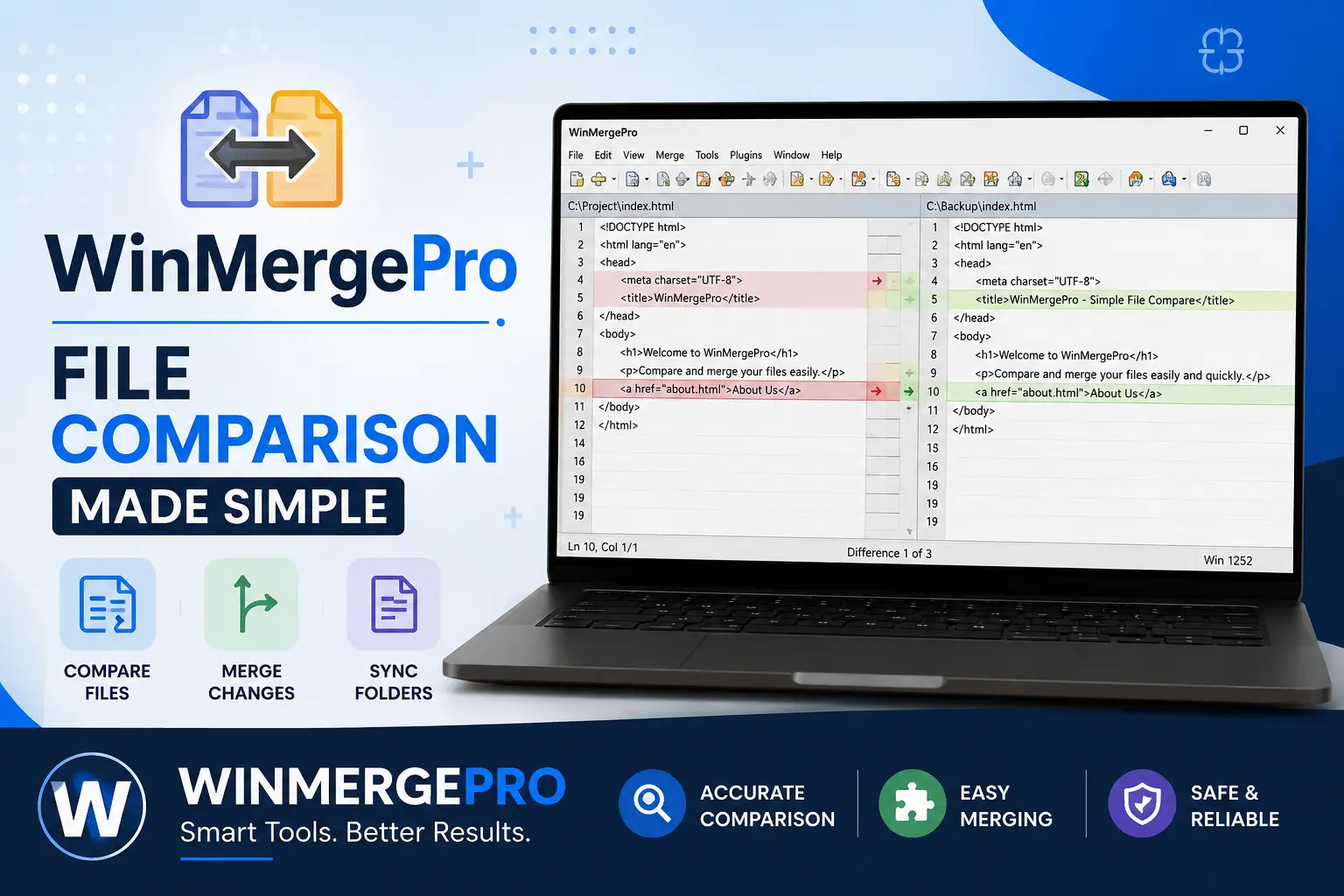
This is where advanced file comparison utilities come into play. Among the various tools available to professionals today, WinMergePro stands out as a robust, high-performance solution designed to streamline the comparison and merging process. By providing a clear, side-by-side visual interface, this software empowers users to identify differences instantly and merge changes with precision. In this article, we will explore why file comparison is vital for your workflow and how adopting a tool like WinMergePro can elevate your productivity.
The Importance of Efficient File Comparison
Why do we need specialized software to compare files? When you work with large datasets or complex codebases, even a single missing character or a misplaced bracket can lead to system crashes or data corruption. Comparing files manually—or even using basic text editors—often results in “blind spots” where subtle changes go unnoticed.
Professional-grade tools like WinMergePro solve this by offering:
- Visual Clarity: Side-by-side color-coded highlighting that points out exactly what has been added, removed, or modified.
- Time Efficiency: Automated scanning that processes thousands of lines of code in seconds.
- Error Reduction: Minimized human error through intelligent matching algorithms.
- Version Control Integration: Seamless workflows that allow you to sync files across directories, which is essential for maintaining project integrity.
Leveraging the Power of WinMergePro
WinMergePro is engineered for both casual users and enterprise-level developers. Its architecture is built to handle not just simple text files, but also complex directory structures, allowing for recursive comparisons.
Also Read: OfficialBusinessNews | Global Business News
Key Features that Set It Apart
When you integrate this tool into your daily operations, you gain access to several powerful functionalities:
- Three-Way Merging: This is a game-changer for team collaboration. It allows you to compare two modified versions of a file against a common ancestor, making it much easier to resolve conflicts that occur when multiple developers edit the same file simultaneously.
- Syntax Highlighting: For developers, the software supports syntax highlighting for a wide variety of programming languages (C++, Python, Java, etc.), ensuring that code is readable and that logic errors are spotted quickly.
- Directory Comparison: Beyond individual files, the software can compare entire folders, identifying new, missing, or mismatched files between two different project versions.
- Plugin Support: The software is highly extensible. Users can add custom plugins to handle specific file formats, such as XML or Microsoft Word documents, making it a versatile addition to any software stack.
Streamlining Your Workflow with Automation
One of the most compelling reasons to utilize a solution like WinMergePro is the ability to automate routine tasks. If you find yourself performing the same folder comparisons every morning, you can leverage the command-line interface to create batch scripts. These scripts can automatically flag changes in your deployment environment, saving you from the manual labor of opening individual files to check for status updates.
Furthermore, the interface is designed with a “merge-first” philosophy. If you find a discrepancy, the software provides intuitive buttons to copy changes from the left pane to the right, or vice versa, with a single click. This makes reconciling version conflicts a matter of seconds rather than hours.
Best Practices for File Reconciliation
To get the most out of your file comparison tools, consider adopting these professional habits:
- Frequent Comparisons: Don’t wait until a project is finished to check for differences. Regular comparisons prevent “drift” between local and remote files.
- Use Filters: Utilize file filters to ignore temporary files, system logs, or compiled binaries that don’t need to be part of your comparison scope.
- Maintain Backups: Always keep a master copy of your data before performing large-scale merges. While the software is designed to be safe, human error during the merge process is always a possibility.
Conclusion
In an era where data accuracy and code integrity are the foundations of successful digital projects, the tools you choose to manage your workflows are critical. WinMergePro offers a sophisticated, user-friendly, and highly efficient way to manage file differences, ensuring that you stay in control of your data.
By implementing this tool, you are not just choosing a piece of software; you are investing in a more organized and error-free professional process. Whether you are reconciling complex code branches or simply ensuring that two versions of a document match perfectly, the efficiency gains provided by such a utility are undeniable. Take the step to optimize your workflow today—embrace the clarity and precision that professional comparison tools provide, and leave the frustration of manual checking in the past.