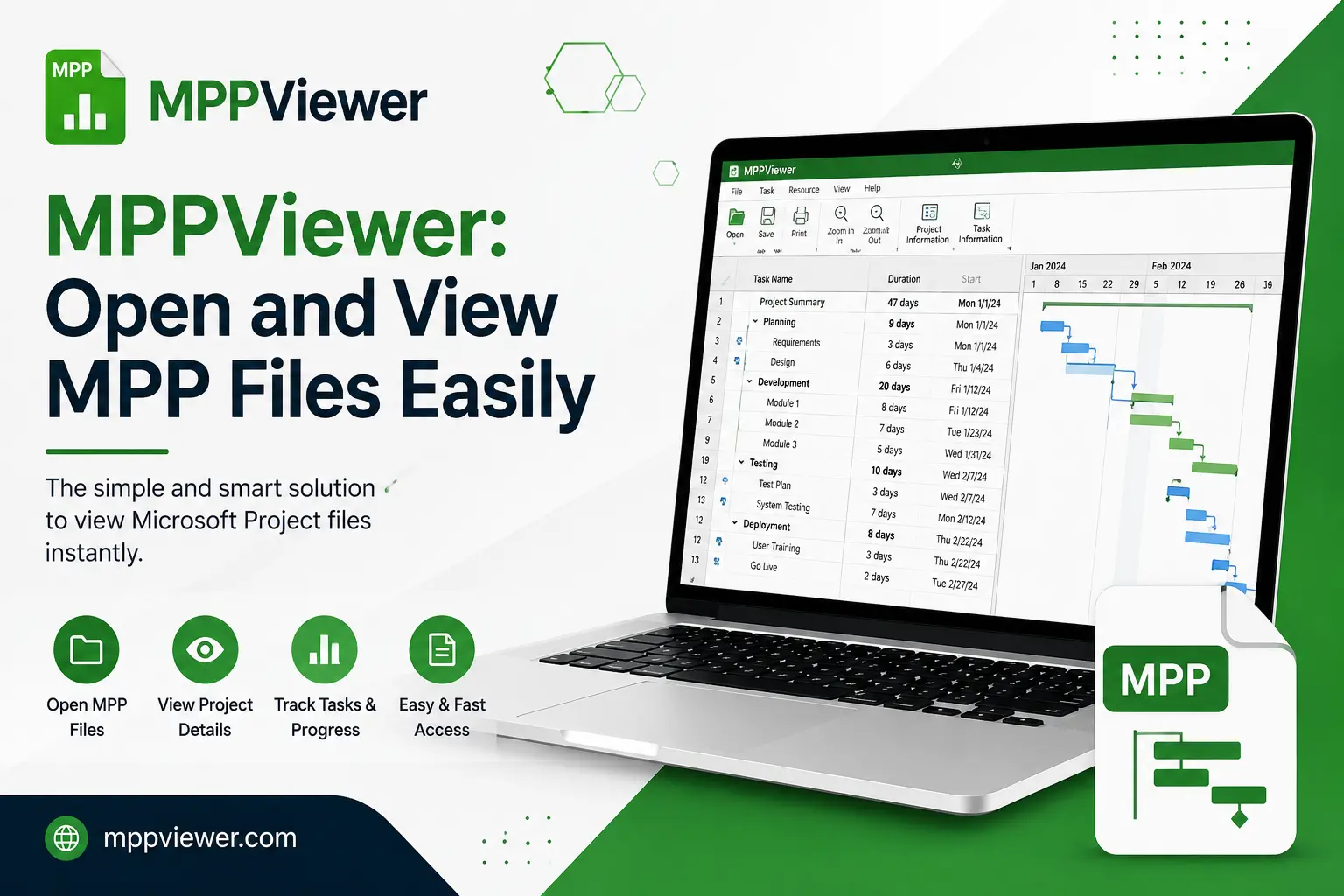
In the world of project management, Microsoft Project (MSP) is arguably the industry standard. Professionals across construction, engineering, IT, and marketing use the .mpp file format to track timelines, allocate resources, and monitor project progress. However, there is a persistent challenge: not everyone on a project team—or every stakeholder—has a license for Microsoft Project.
Whether you are a freelancer collaborating with a large firm, a team member on a mobile device, or a stakeholder who simply needs to review progress without editing the schedule, the inability to open an .mpp file can create significant bottlenecks. This is where a dedicated mppviewer becomes an essential tool in your digital toolkit. By bridging the gap between proprietary file formats and accessible information, you can ensure that project transparency remains high, regardless of the software installed on your machine.
Also Read: Why Developers Choose JsonCompareOnline
The Challenge of Proprietary File Formats
Microsoft Project files are complex databases that store vast amounts of metadata, including task dependencies, resource calendars, cost tracking, and critical path analysis. Because of this complexity, simply trying to open an .mpp file in a standard text editor or a basic spreadsheet program results in garbled code or, at best, a disconnected list of data points that lacks visual context.
For project managers, this often results in a “bottleneck of information.” If a stakeholder needs to see a Gantt chart but doesn’t have the expensive software installed, the project manager is forced to export the file into a static PDF or an image format. While this solves the immediate problem of viewing, it destroys the interactivity of the project plan. If the timeline shifts, the static file becomes obsolete immediately, leading to confusion and potential errors. Utilizing an mppviewer allows for a dynamic experience, enabling users to interact with the project data without requiring the full Microsoft Project suite.
Why You Need an MPPViewer
An effective mppviewer provides a solution that is lightweight, accessible, and often cost-effective. Here are the primary reasons why integrating a viewer into your workflow is a smart business decision:
- Cost Efficiency: Microsoft Project licenses are expensive. Equipping every stakeholder or team member with a full license is rarely budget-friendly. A viewer provides the necessary visibility at a fraction of the cost—or for free.
- Cross-Platform Compatibility: Many project managers work on Windows, but their team members might use macOS, Linux, or even tablets. Most modern viewers are browser-based, meaning they work regardless of your operating system.
- Security and Control: By using a viewer, you avoid the risks associated with uploading sensitive project files to unvetted cloud conversion sites. Dedicated viewers are built to handle the structure of .mpp files safely.
- Improved Communication: When everyone can see the same Gantt chart and resource allocation, there is less room for misinterpretation. It promotes a “single source of truth” culture within the team.
Choosing the Right Tool for Your Needs
When searching for the right mppviewer, it is important to consider your specific use case. Are you looking for a quick, one-time solution, or do you need a permanent tool for recurring projects?
Web-Based Viewers
Web-based viewers are excellent for those who need to access files on the go. They require no installation and are typically updated automatically by the provider. Services like ProjectViewerCentral or similar online platforms allow you to upload your file and instantly view the Gantt charts, task lists, and resource sheets. This is the fastest route for casual users who just need to “see” the data.
Desktop-Based Viewers
If you handle large, complex files that contain thousands of rows, a desktop-based mppviewer might offer better performance. These applications are optimized for rendering complex Gantt charts and provide a smoother scrolling and zooming experience. They are ideal for power users who need to frequently check project status throughout the day.
Features to Look For
- Gantt Chart Visualization: This is the most critical feature. Ensure the viewer renders the dependencies and milestones clearly.
- Resource View: Being able to see who is assigned to what task is vital for effective project management.
- Task Details: Can you click on a task to see notes, duration, and percentage complete?
- Print and Export: Even if you don’t need to edit, you may need to print the schedule for a physical meeting room.
Conclusion
The ability to access project data should not be gated by expensive software licenses. In today’s fast-paced business environment, project transparency is the key to team alignment and project success. By adopting an mppviewer, you empower your team members, clients, and stakeholders to view critical project schedules, track progress, and make informed decisions without the overhead of the full Microsoft Project suite.
Whether you choose a web-based solution for its convenience or a desktop application for its robust rendering capabilities, the investment in a viewer pays off in saved time and improved communication. Take the time to evaluate your team’s needs, test a few available viewers, and integrate the right tool into your workflow today. With the right mppviewer, you can ensure that your project plans remain accessible, clear, and actionable for everyone involved.