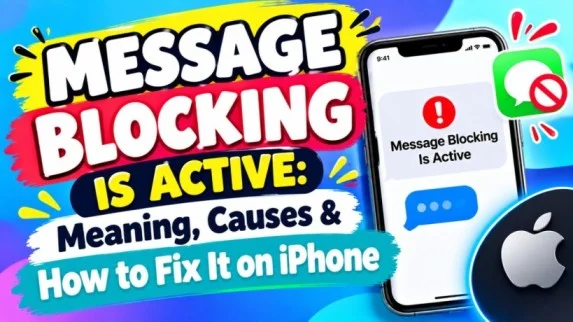
Seeing the message “Message Blocking Is Active” on your iPhone can be confusing. You may see it when you try to send a text message. In most cases, the message means that your phone or mobile carrier is blocking the text.
The good news is that you can often fix the problem with a few simple steps.
Read also; “GMFU Meaning: What Does GMFU Mean in Text & Texting?”
What Does “Message Blocking Is Active” Mean?
“Message Blocking Is Active” means your text message could not be sent because a blocking setting or service is active.
The problem may come from your phone, your carrier, or the number you are trying to contact.
For example, you may see this message when:
- Text messaging is blocked on your mobile plan.
- The recipient has blocked your number.
- Your carrier has a temporary problem.
- Your phone has incorrect network settings.
- The recipient’s number is incorrect or inactive.
- Your account has a billing or service issue.
Therefore, the exact cause can vary.
Why Does Message Blocking Is Active Appear?
There are several possible reasons.
1. Your Carrier Has Blocked Text Messages
Your mobile carrier may have disabled outgoing texts. This can happen because of an account problem, a service restriction, or a temporary network issue.
If you cannot send texts to anyone, contact your carrier.
2. The Recipient’s Number Is Blocked
Check whether you accidentally blocked the person.
On iPhone, open:
Settings → Privacy & Security → Blocked Contacts
If the number appears there, remove it from your blocked contacts and try again.
3. The Recipient Blocked You
In some cases, the other person may have blocked your number. However, you cannot confirm this from the “Message Blocking Is Active” message alone.
Try contacting the person another way if needed.
4. Incorrect Phone Number
Check the number carefully. A missing digit, wrong country code, or inactive number can prevent a text from going through.
Try deleting the contact and entering the number manually.
5. Network Problems
A weak cellular connection can also cause messaging problems.
Try moving to an area with better signal. You can also turn Airplane Mode on for about 10 seconds and then turn it off.
How to Fix Message Blocking Is Active on iPhone
Try these fixes one at a time.
Restart Your iPhone
First, restart your iPhone. A simple restart can fix temporary software and network problems.
After restarting, send the message again.
Check Your Cellular Connection
Make sure your iPhone has a cellular signal.
If you see “No Service” or “SOS,” your phone may not have a working cellular connection.
Turn Airplane Mode On and Off
Open Control Center and turn on Airplane Mode. Wait about 10 seconds. Then turn it off.
Now try sending the message again.
Check Your Blocked Contacts
Make sure you have not blocked the person by mistake.
If you find the number in your blocked contacts, unblock it and try again.
Check iMessage Settings
If you are trying to send an iMessage, check that iMessage is enabled.
Go to:
Settings