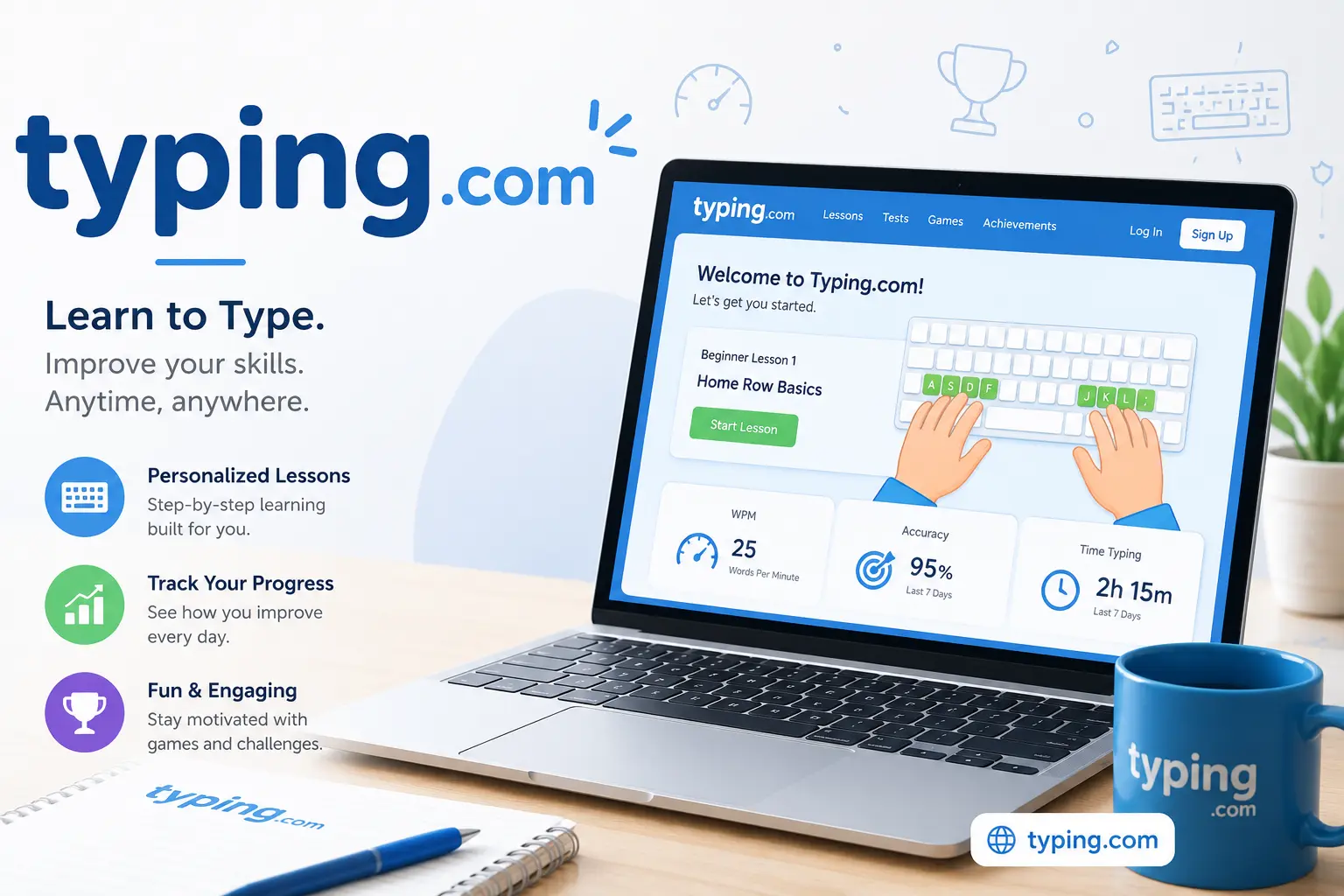
Learning to type efficiently is an important skill for students, professionals, and anyone who regularly uses a computer. typing .com is an online platform designed to help users improve their typing speed, accuracy, and keyboard skills through structured lessons, practice activities, tests, and games.
Whether you are a beginner learning where the keys are located or an experienced typist trying to increase your words-per-minute score, the platform provides different ways to practice. This guide explains the main features and benefits of typing.com.
What Is Typing.com?
typing.com is an online typing tutor and digital learning platform. It provides typing instruction for different skill levels, from beginners to advanced learners. The official platform describes its curriculum as gamified and adaptive, with lessons designed to help students build speed, accuracy, and confidence.
Users can work through lessons at their own pace. The curriculum includes introductory keyboard lessons, punctuation, numbers, personalized practice, assessments, typing tests, and other activities.
How Does Typing .com Work?
Getting started with typing .com is simple. Users can access the website and select lessons according to their current typing level. Beginners can start with basic keyboard instruction, while more experienced users can move toward intermediate and advanced exercises.
The lessons gradually introduce different keys and typing techniques. The platform also offers personalized practice that can focus on keys a learner finds difficult. This approach can make practice more targeted instead of repeating the same exercises unnecessarily.
Typing Lessons and Practice
One of the main strengths of typing website com is its structured lesson system. Lessons can teach users correct finger placement and gradually introduce letters, punctuation, numbers, and more advanced keyboard skills.
The current curriculum includes activities such as learning individual key groups, reviewing previously learned keys, practicing punctuation, working with numbers and symbols, and completing assessments.
This structure can be useful for beginners because it provides a clear learning path rather than simply giving users random typing exercises.
Typing Tests
Typing tests are useful for measuring progress. Users can practice their ability to type quickly while maintaining accuracy. Results can help learners understand whether their speed is improving and which areas need additional practice.
Instead of focusing only on speed, learners should also pay attention to accuracy. Typing quickly while making frequent mistakes can reduce productivity, so balanced improvement is generally more useful.
Read also : Amazon.com Guide: Features, Benefits & Key Details
Typing.com Games
Another popular feature is typing.com games. These activities make practice more entertaining by turning typing exercises into interactive challenges. The official games section includes activities designed to improve typing speed and accuracy while keeping learners engaged.
Games can be particularly useful for younger learners because they can make repetitive keyboard practice feel more enjoyable. Adults can also use them as a quick way to practice without going through a full lesson.
Benefits of Typing.com
There are several advantages to using typing com for keyboard practice. First, the platform offers learning materials for different skill levels. Beginners can build a foundation, while experienced users can work on speed and accuracy.
Another benefit is the variety of activities. Instead of relying on only standard typing exercises, users can combine lessons, personalized practice, assessments, tests, and games.
Typing.com is also used in educational settings. Its official website provides teacher tools for managing students, creating lessons, tracking progress, and reviewing performance.
Tips for Getting Better Results
To get the most from typing.com, consistency is important. Practicing for a short period every day can be more effective than practicing for a long time only once a week.
Try to focus on accuracy before chasing a very high speed. Keep your fingers positioned correctly, avoid looking down at the keyboard whenever possible, and repeat difficult lessons until they become comfortable.
Typing games can also be added to regular lessons to keep practice interesting.
Final Thoughts
Overall, typing .com provides a convenient way to learn and improve keyboard skills through lessons, practice exercises, tests, and interactive activities. Its structured curriculum and personalized practice options make it suitable for beginners as well as more experienced learners.
For users searching for typing.com, typing website com, or typing com, the platform offers a practical learning environment that combines education with engaging practice. With regular use and a focus on both speed and accuracy, learners can gradually become more confident and efficient typists.