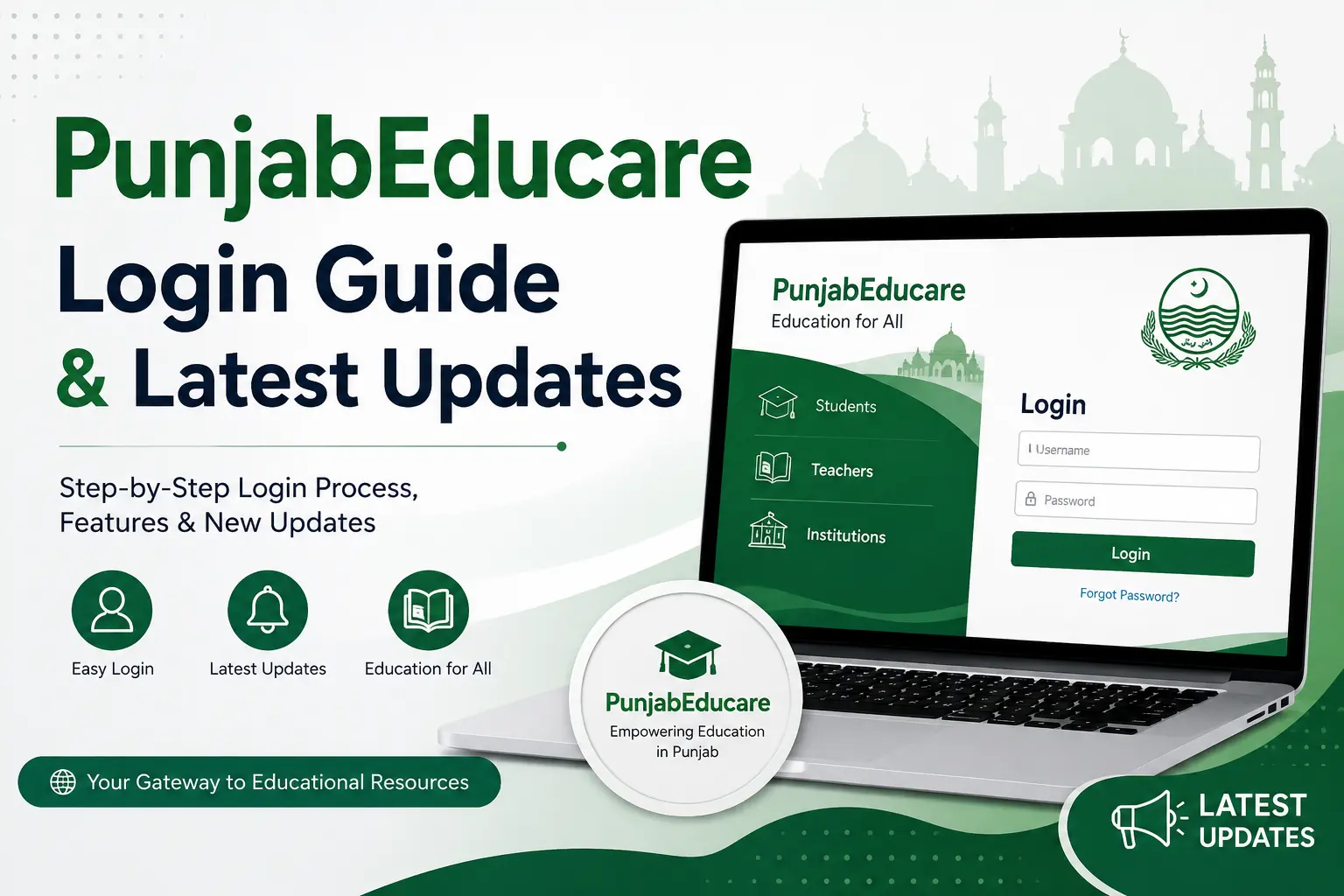
In the rapidly evolving landscape of digital education in India, the Punjab School Education Department has taken significant strides to bridge the gap between traditional learning and modern technological accessibility. At the heart of this digital transformation lies the punjabeducare portal—a comprehensive online ecosystem designed to support students, teachers, and administrators across the state. Whether you are a student looking for supplementary study materials or a teacher attempting to upload lesson plans, understanding how to navigate this platform is essential. This guide provides a detailed walkthrough of the login process and covers the latest updates regarding the platform’s functionality.
Understanding the PunjabEducare Ecosystem
The punjabeducare platform serves as a centralized digital repository. It was developed to ensure that high-quality educational resources, including textbooks, video lectures, and practice assignments, are available to every student regardless of their geographical location. By digitizing the curriculum, the Punjab government has empowered students to take control of their learning schedules, especially in an era where hybrid learning models have become the norm.
The portal is not merely a document library; it is a collaborative space. Teachers use the platform to share innovative teaching methodologies, while students utilize it to prepare for board examinations through mock tests and previous years’ question papers.
Step-by-Step PunjabEducare Login Guide
Accessing the features of the portal requires a clear understanding of the authentication process. While some resources are available for public viewing, certain administrative features or personalized dashboards require a formal login. Follow these steps to access your account:
- Navigate to the Official Portal: Open your preferred web browser and visit the official website at https://www.punjabeducare.org/.
- Locate the Login Button: On the homepage, look for the “Login” tab, which is typically found in the top right corner of the navigation bar.
- Enter Credentials: You will be prompted to enter your registered username and password. Teachers and administrative staff are usually assigned these credentials by their respective district education offices.
- Verification: Complete the security captcha if required to prevent unauthorized access.
- Dashboard Access: Once authenticated, you will be redirected to your personalized dashboard, where you can view notifications, upload materials, or track student progress depending on your user role.
Note: If you have forgotten your password, use the “Forgot Password” link provided on the login page to initiate a recovery process via your registered email or mobile number.
Latest Updates and Features
The punjabeducare platform is frequently updated to improve user experience and security. Recent updates have focused on the following areas:
- Mobile Responsiveness: Recognizing that many students rely on smartphones, the interface has been optimized for mobile browsers, ensuring that content loads quickly even on limited bandwidth.
- Enhanced Content Library: The government has recently added a wider range of multimedia content, including interactive quizzes and animated subject explanations, to make complex topics more digestible.
- Data Security: New encryption protocols have been implemented to protect user data and ensure that the platform remains a safe environment for both minors and educators.
- Offline Mode: Certain sections of the platform now allow for content caching, enabling students to access downloaded materials even when they do not have an active internet connection.
Tips for Maximizing Your Experience
To get the most out of the punjabeducare platform, consider the following best practices:
- Regularly Check Notifications: The portal is often used to distribute circulars and exam schedules. Make it a habit to log in at least once a week to stay informed.
- Organize Your Downloads: If you are a student, create a folder structure on your device to categorize the PDFs and videos you download from the portal. This will save you time during your exam preparation.
- Utilize the Search Function: The platform contains a vast amount of data. Use the built-in search filters to sort content by grade, subject, and medium (English, Punjabi, or Hindi) to find relevant material faster.
Conclusion
The punjabeducare portal is a cornerstone of Punjab’s commitment to educational excellence. By providing a streamlined, digital interface for resources and administrative tasks, it has become an indispensable tool for the state’s academic community. Whether you are navigating the login process for the first time or looking to leverage the latest updates to improve your study habits, the platform offers a wealth of opportunities for academic growth.
As digital literacy continues to grow, we can expect the portal to evolve further, potentially integrating more AI-driven learning tools and personalized student tracking. For now, mastering the current features and staying updated with the latest news on the platform is the best way for students and teachers to ensure they are fully prepared for the challenges and opportunities of the modern academic year. Embrace these digital tools, and you will find that the path to success in your studies is clearer than ever before.